Key generation
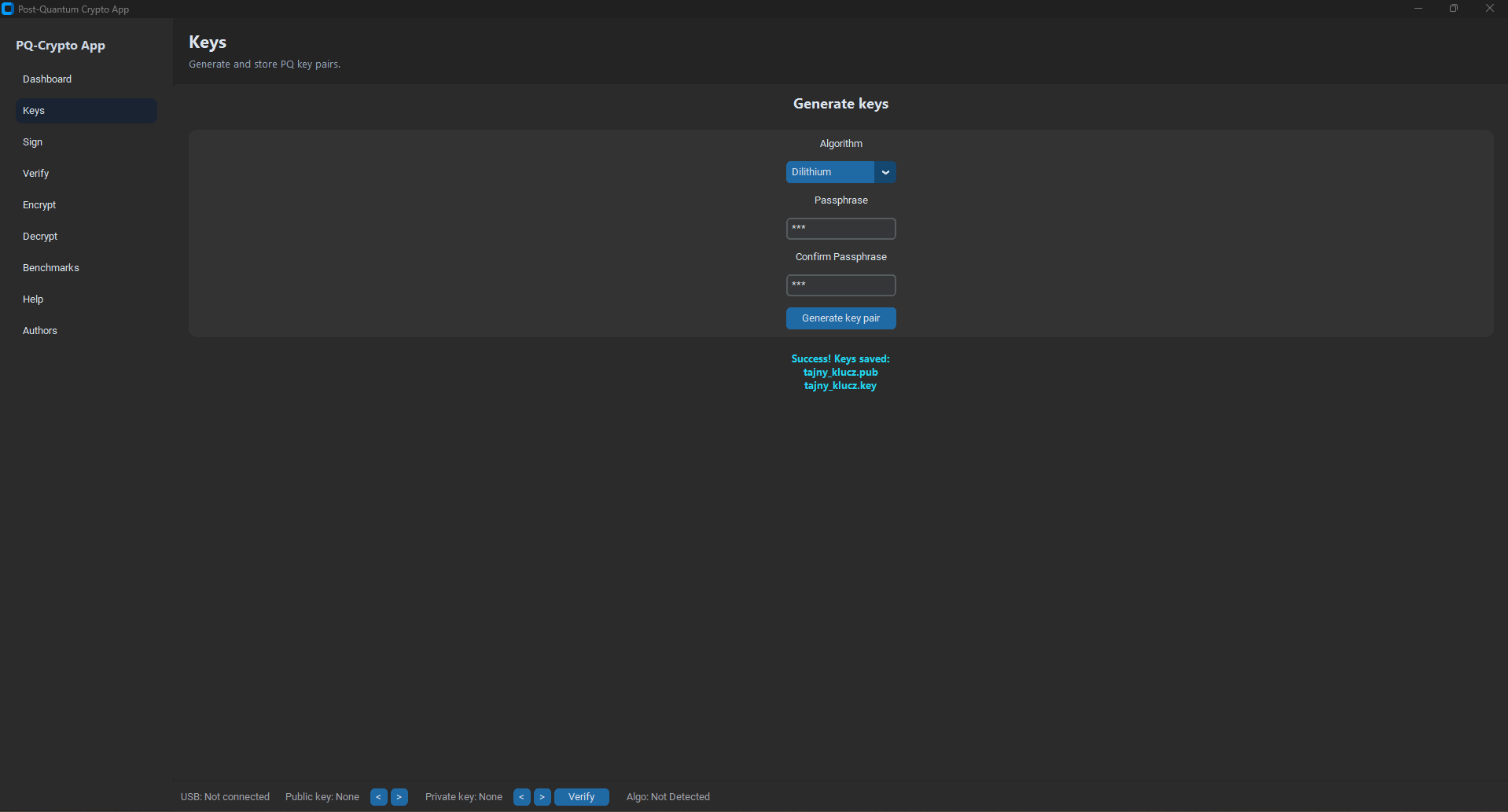
Generate post-quantum key pairs (public/private) with passphrase protection.
Desktop application for practical use of post-quantum cryptography: key generation, digital signatures, verification, and hybrid file encryption.
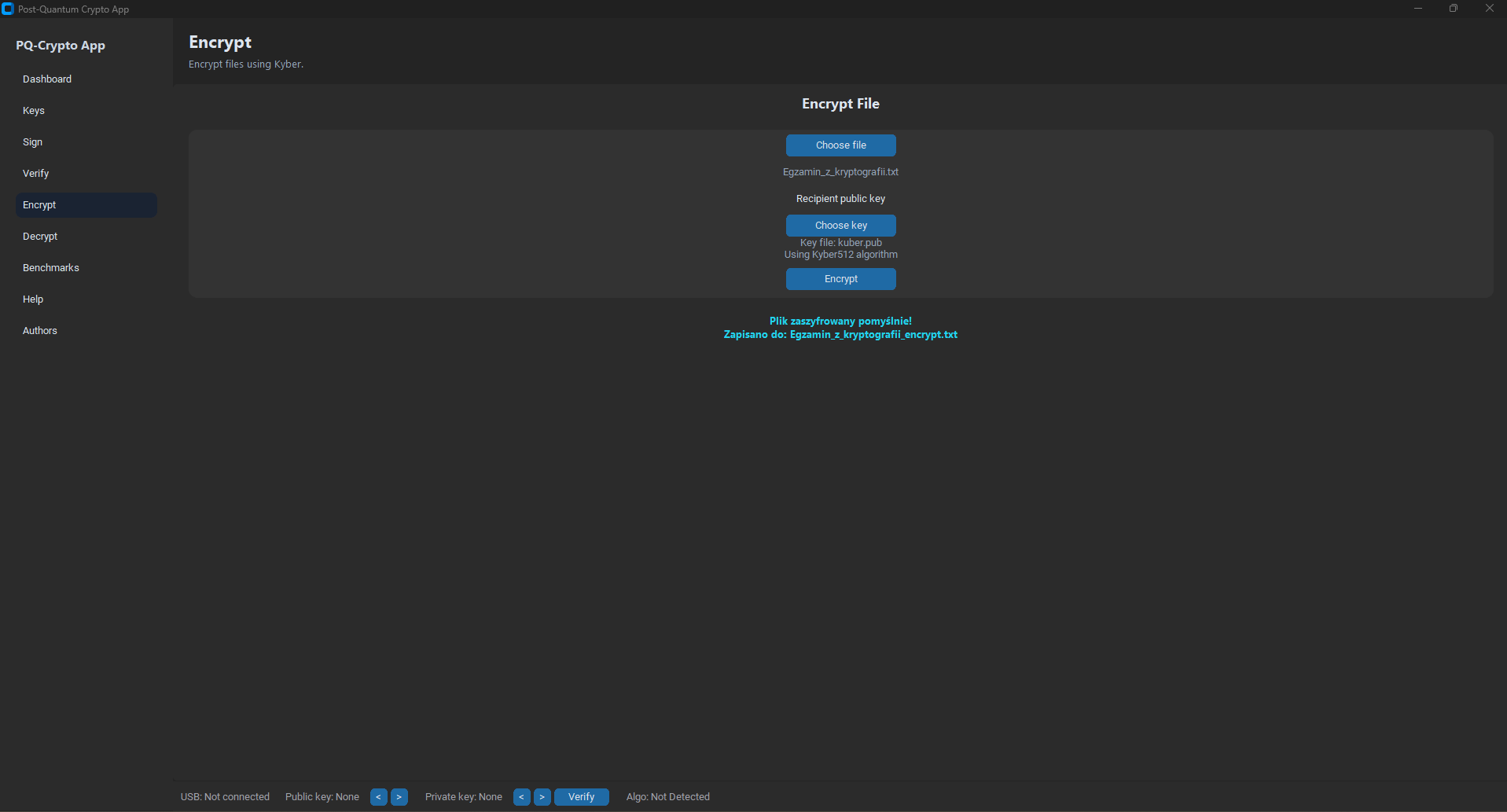
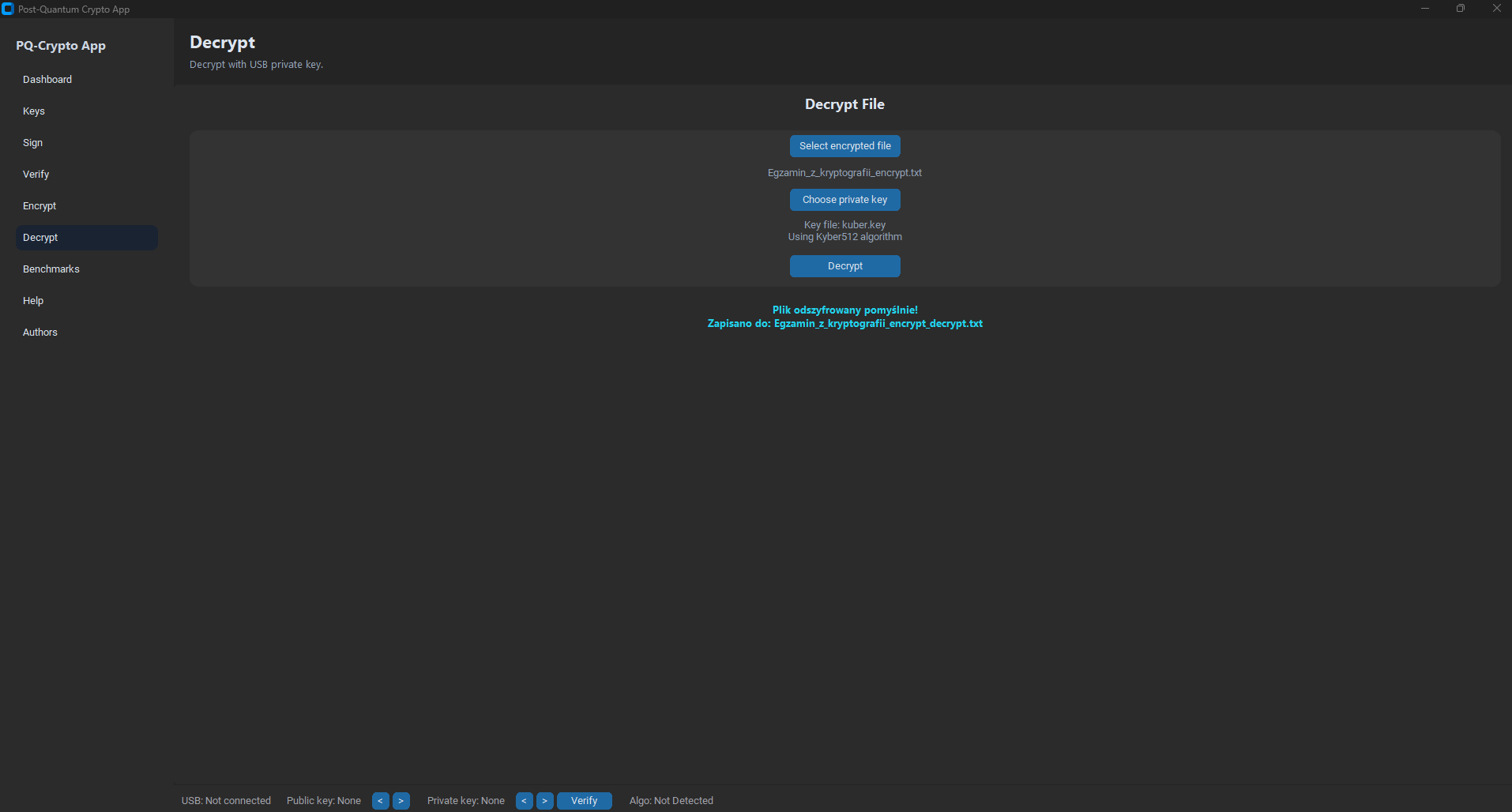
Hybrid encryption (Kyber + AES-GCM) — Encrypt view
Generate post-quantum key pairs (public/private) with passphrase protection.
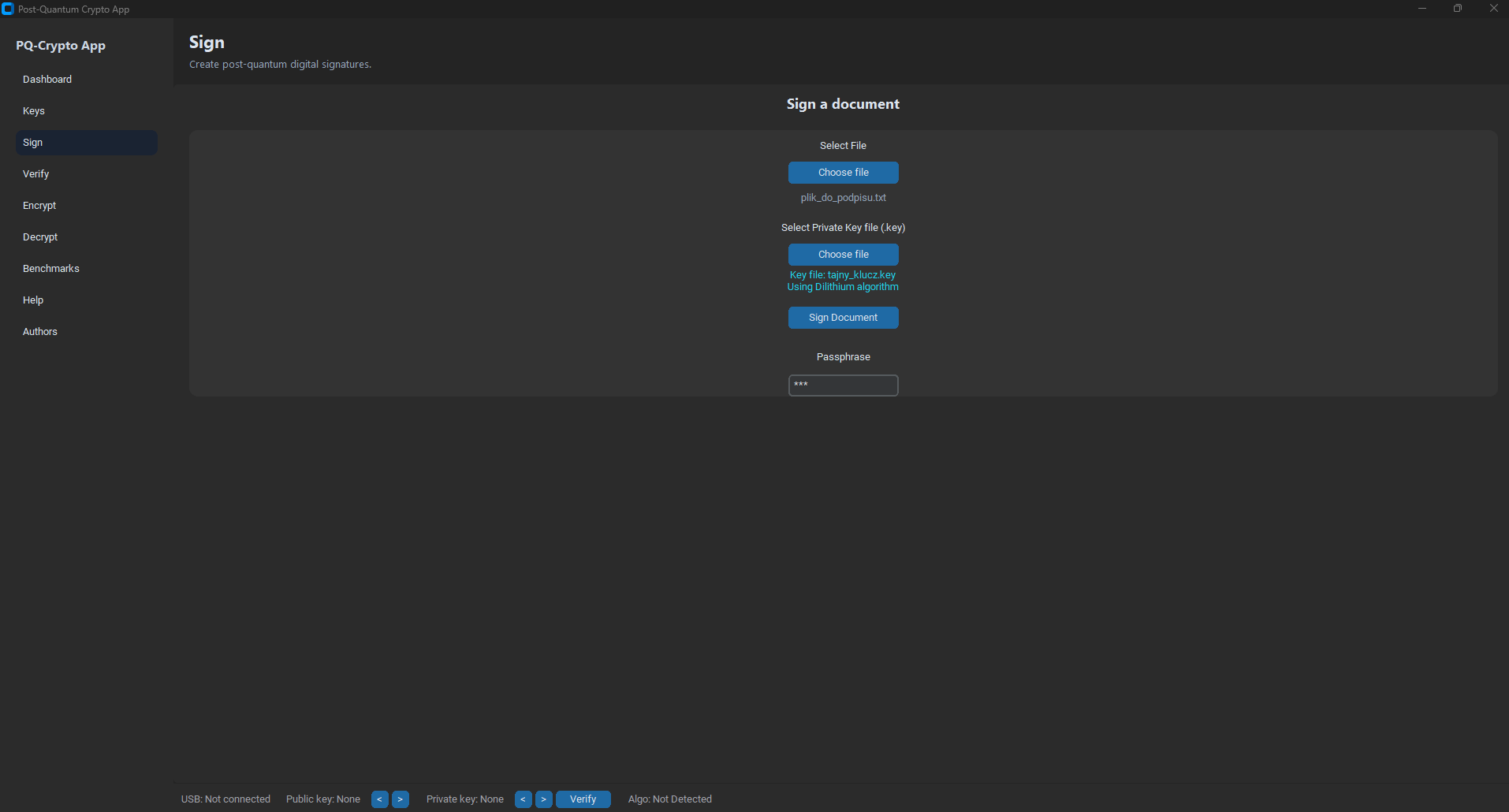
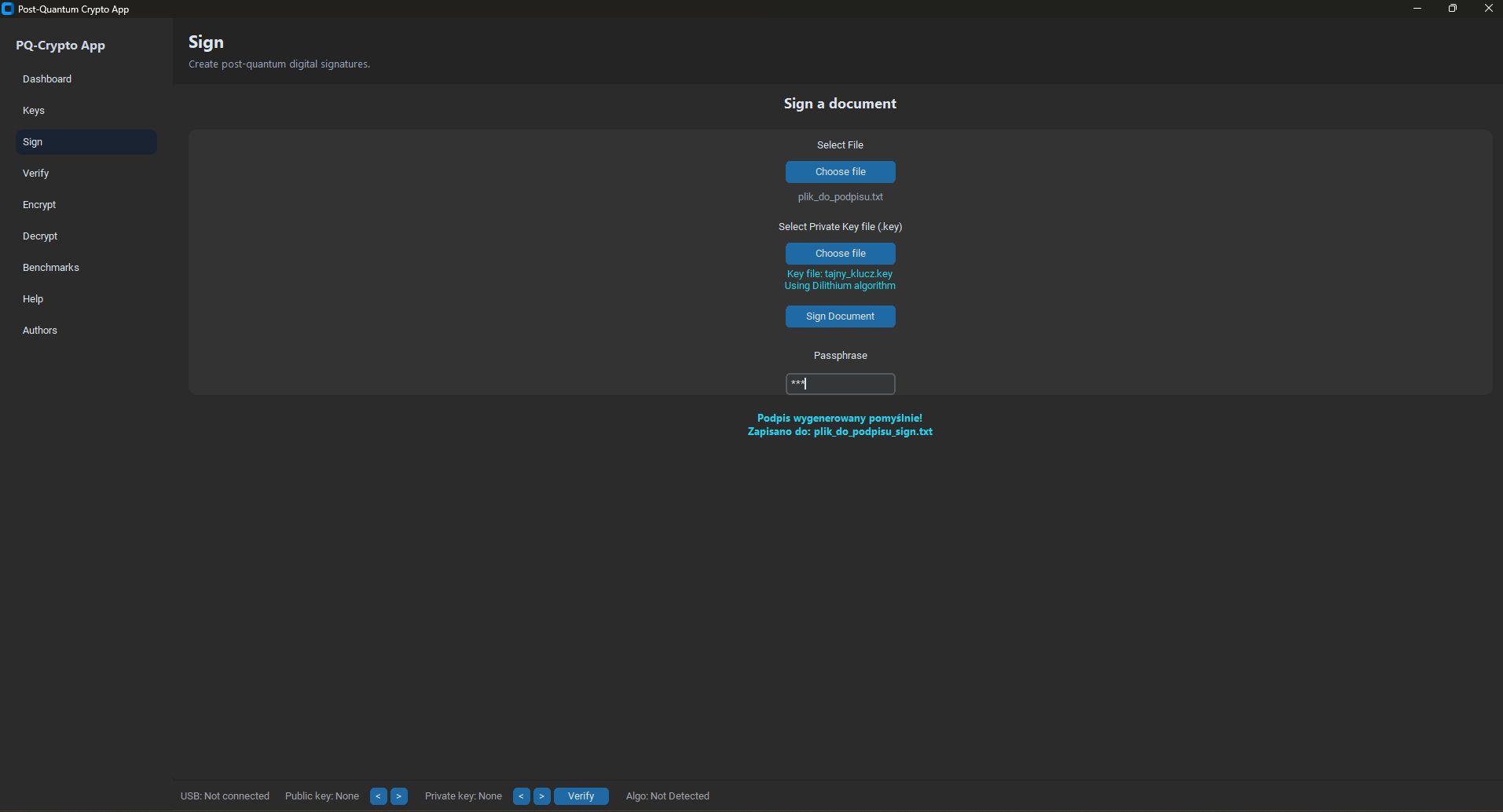
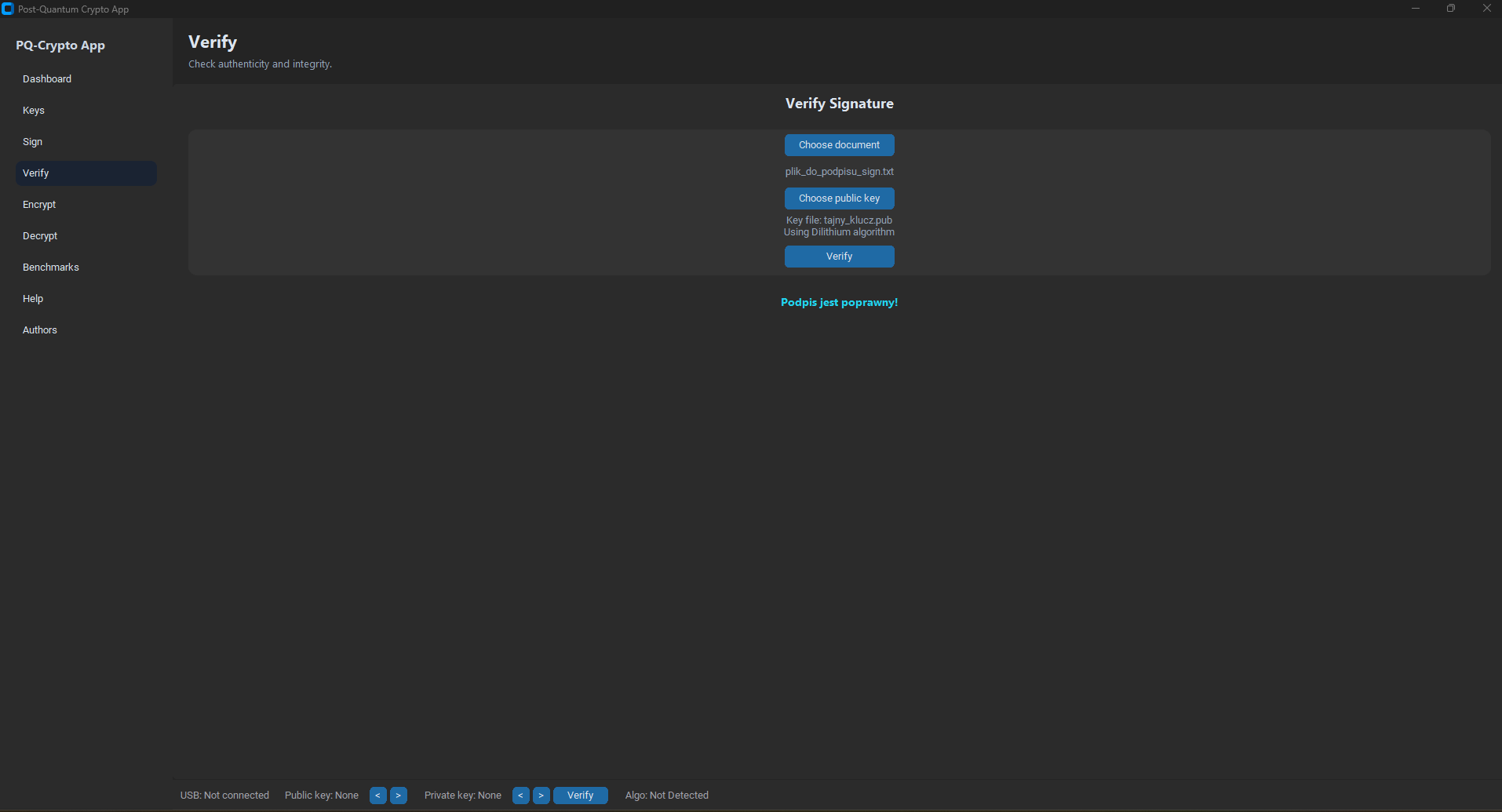
Sign files and verify signatures using post-quantum signature schemes.
Encrypt and decrypt files using Kyber (KEM) + AES-GCM (data encryption).
Automatically detect .pub and .key files on removable storage.
Compare algorithm performance: keygen, signing/verifying, encrypt/decrypt.
File headers help detect which algorithm should be used for a given operation.
Project documentation and presentation prepared as part of the academic coursework.
Detailed description of the application architecture, implemented algorithms, sequence diagrams, and installation instructions.
Project overview, goals, timeline, team responsibilities, and functional demo prepared for final presentation.
Selected views from the application UI.
The project is open-source and available on GitHub. Below are short instructions for cloning the repository and installing required dependencies.
The recommended way to run the project locally is using Conda
and the provided environment.yml file.
git clone https://github.com/krzysiek581234/post-quantum-cryptography.git
cd post-quantum-cryptography
conda env create -f environment.yml
conda activate BSK
python main.py
This project uses liboqs via the official liboqs-python bindings.
git clone --depth=1 https://github.com/open-quantum-safe/liboqs-python
cd liboqs-python
pip install .
# Linux / macOS
export PYTHONPATH=$PYTHONPATH:/path/to/liboqs-python

# Windows
set PYTHONPATH=%PYTHONPATH%;C:\path\to\liboqs-python
License: Educational project for academic and research purposes.